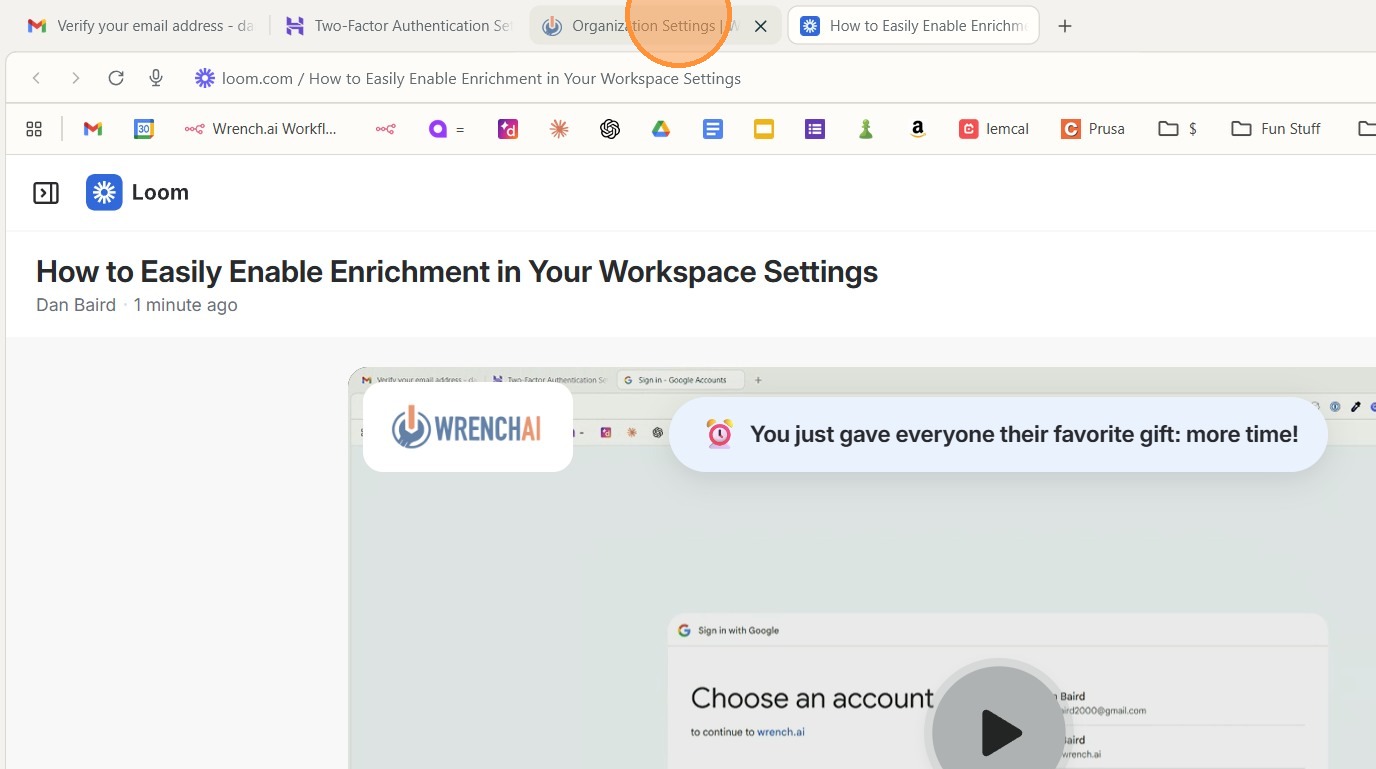
https://www.loom.com/share/e3cc8280a109467a8f22fb3ff734e6cd
This guide provides a straightforward process for toggling Enrichment settings, making it essential for users looking to optimize their data management. By following the steps outlined, users can efficiently upload CSV files and customize their settings, enhancing their overall experience. The clarity and simplicity of the instructions ensure that even those with minimal technical knowledge can successfully navigate the process. Viewing this guide will empower users to take full advantage of the features available to them.
1\. Head to your workspace
2\. Open organization settings in the menu bar
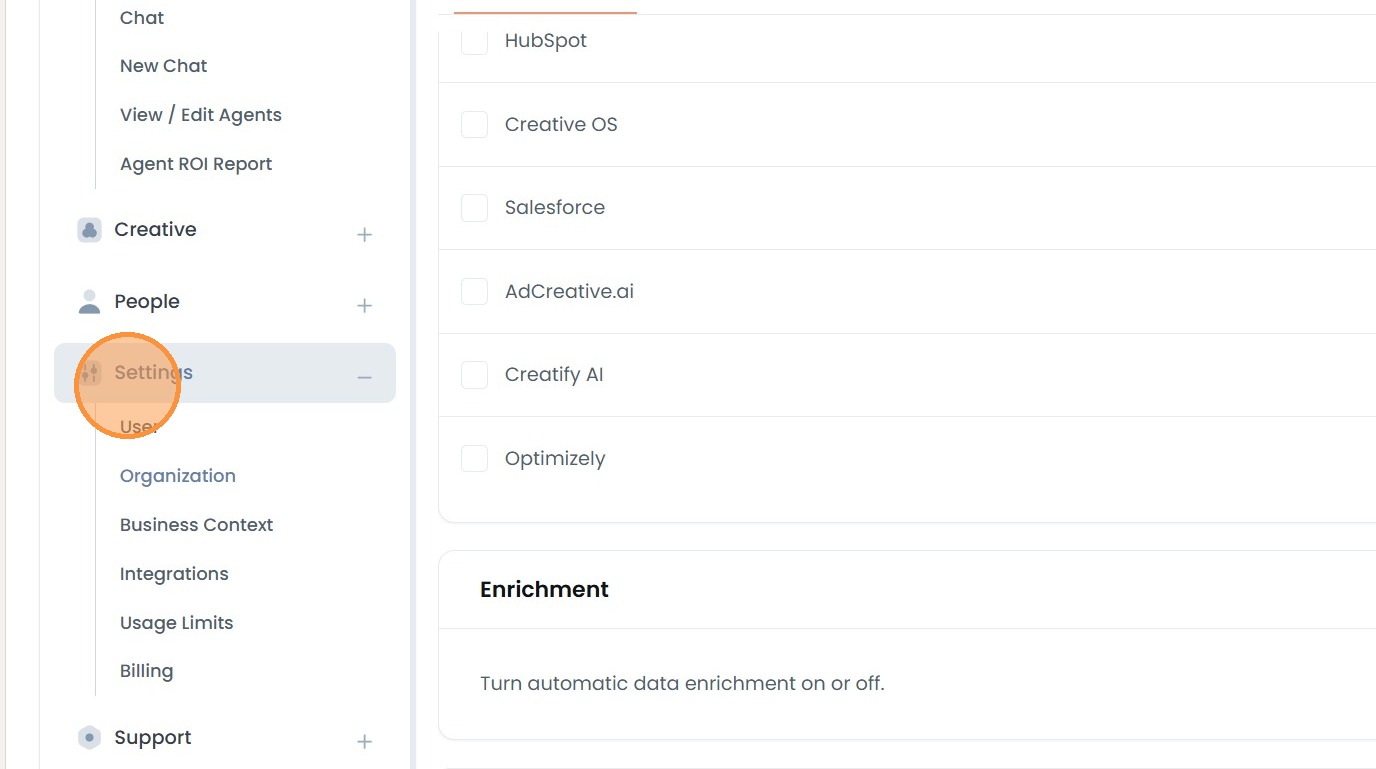
3\. Go to settings.
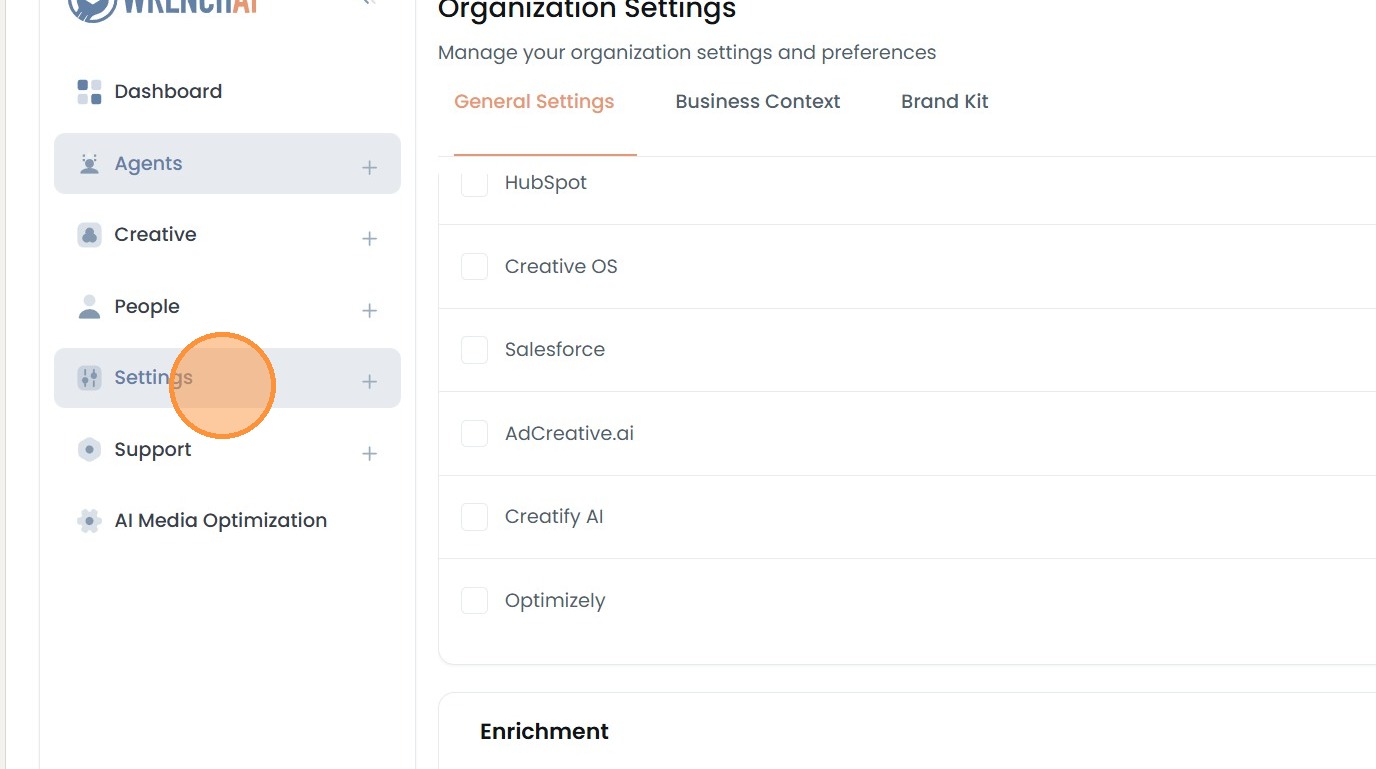
4\. Click organization
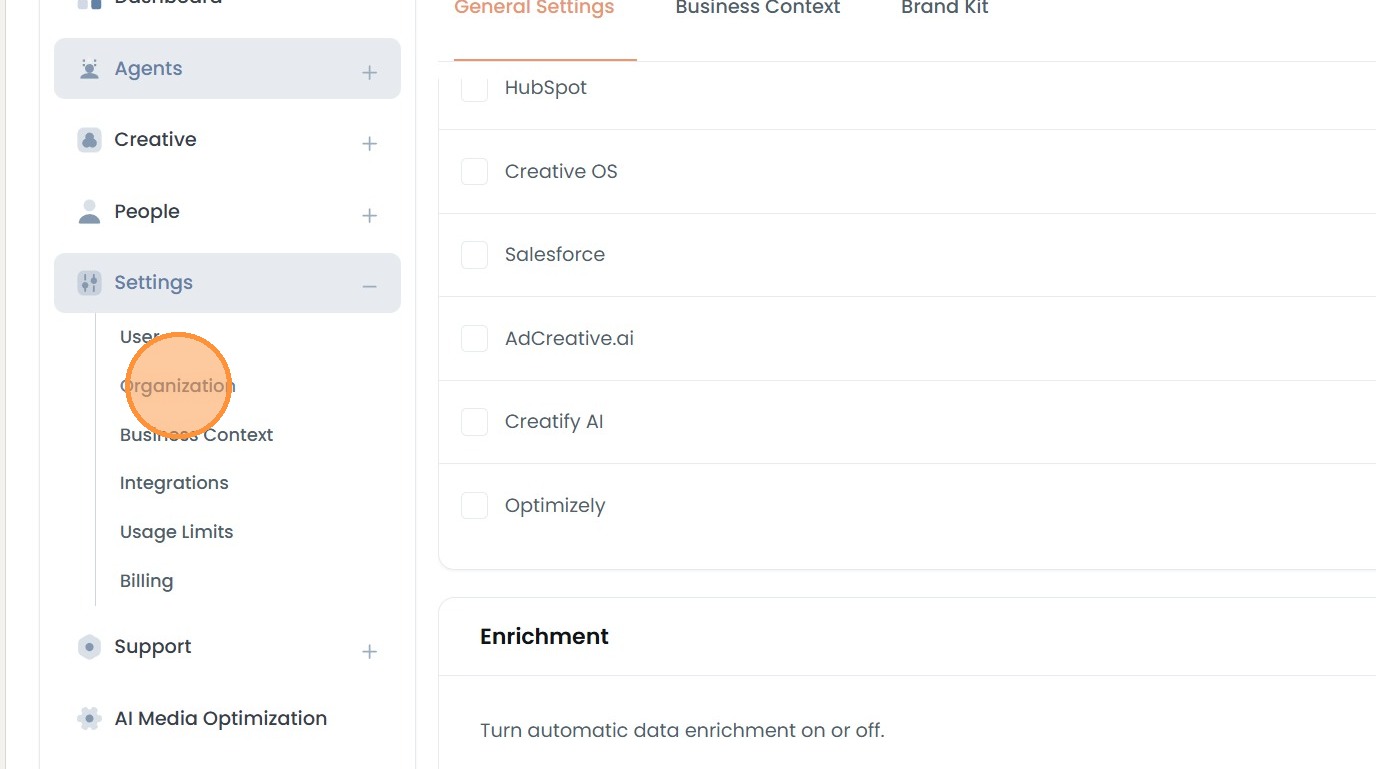
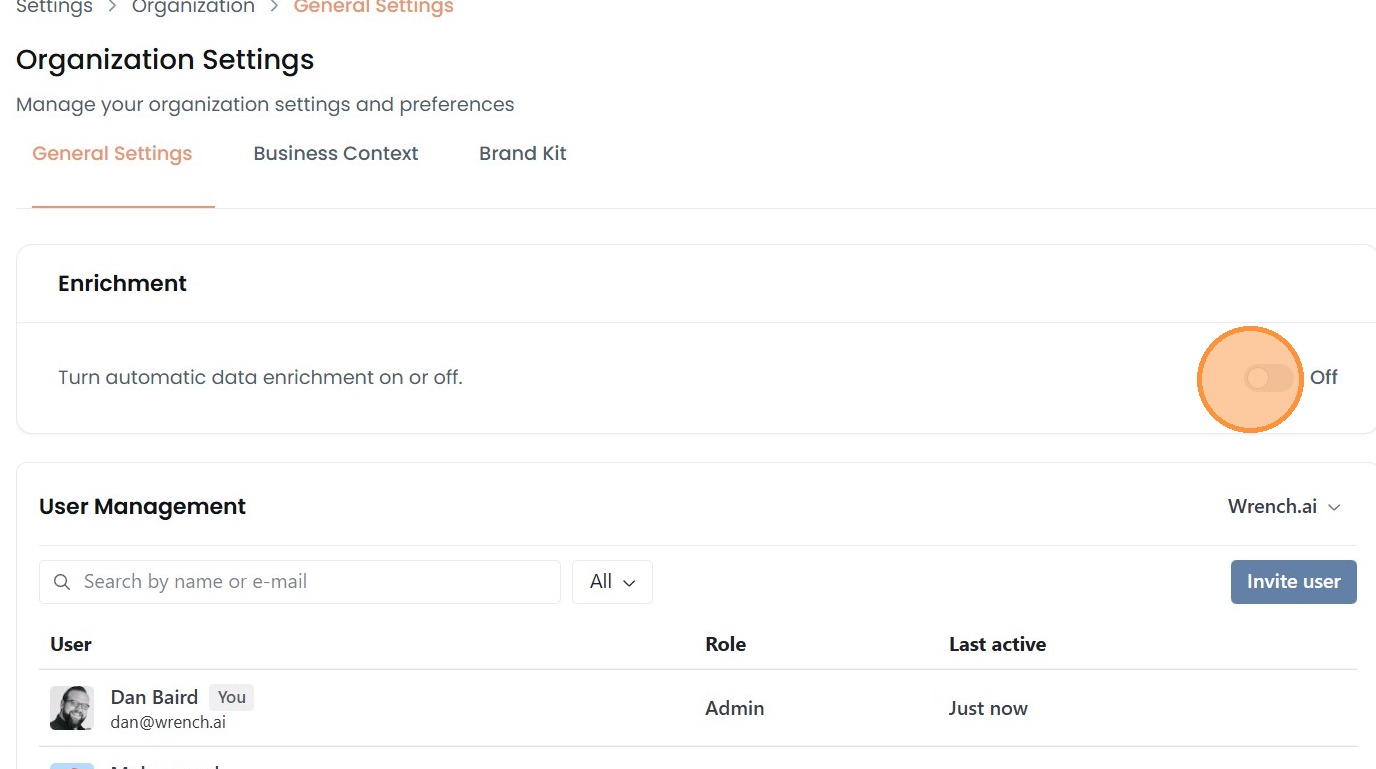
5\. Scroll down, to a section called enrichment. Just switch that on and off.
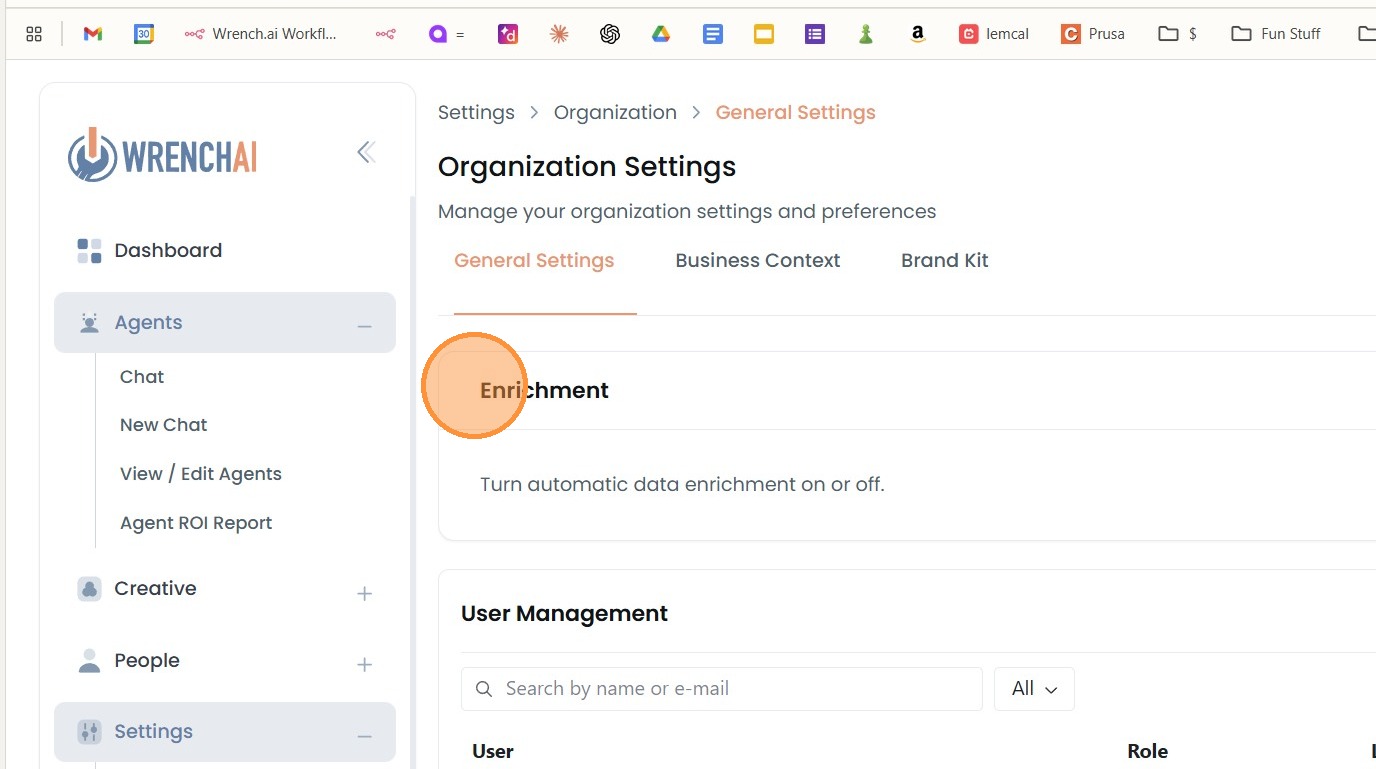
6\. That's it.
7\. Upload a CSV file, Go to integrations, and "Upload a CSV"
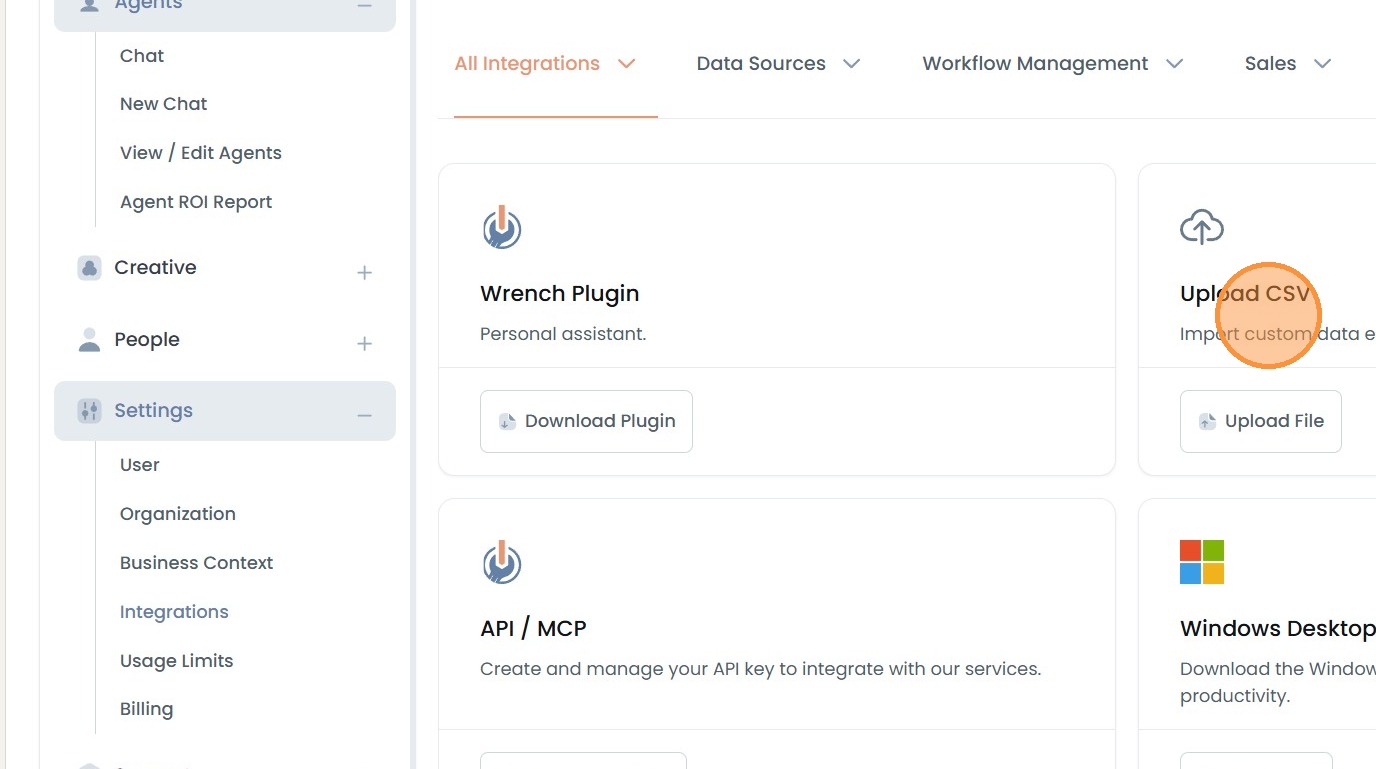
8\. Click Upload a CSV
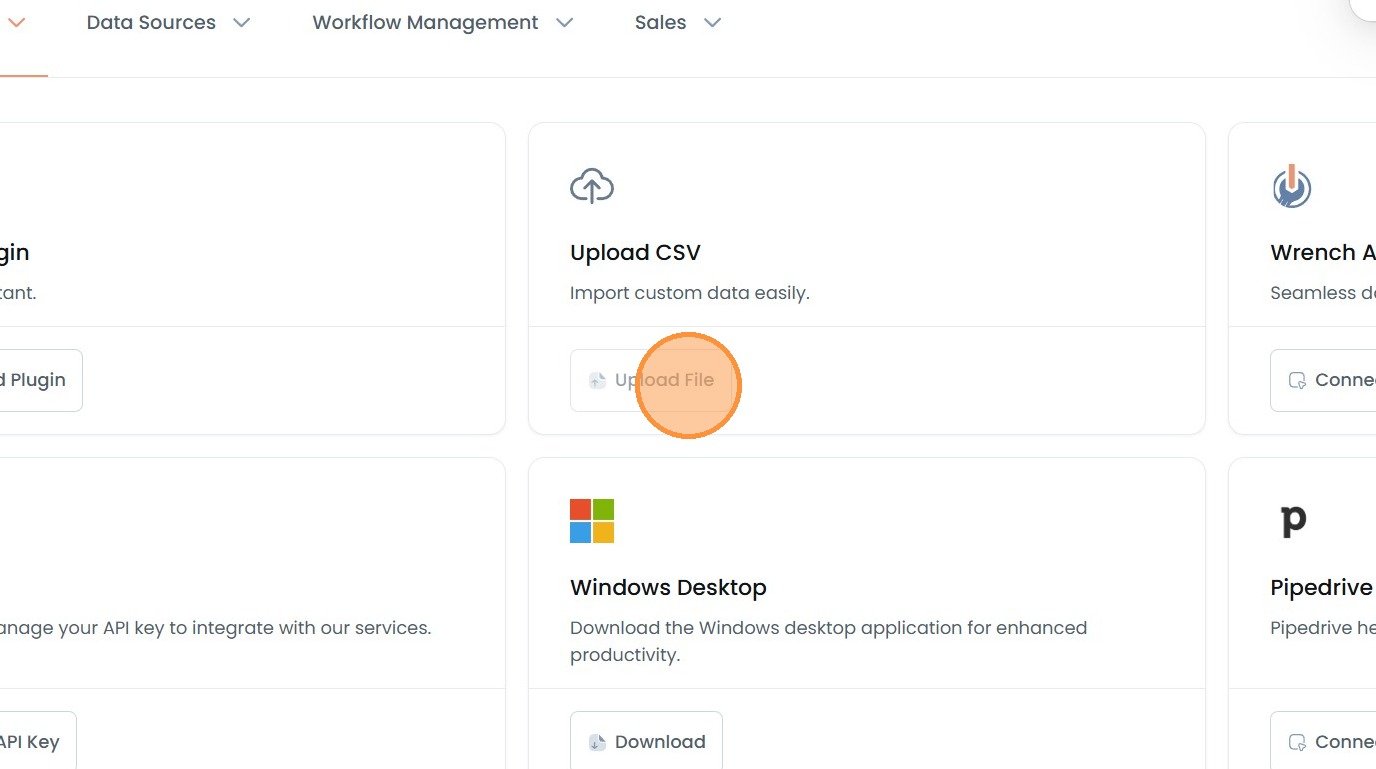
9\. Click "upload Click or Drag & Drop CSV files.